Calls made · 820
Made 820 calls across first 30 days on the job, averaging about 27 calls per day
- 820 calls made
- 27
A work-wins tracker you own. Log your wins, track the metrics that matter for your role, and keep every number, whatever happens on Friday.


For anyone tracking their wins and work.
Pick your role and get 6–10 metrics that matter in your job, each with why it matters.
Calls made Daily
The first activity number most inside sales managers look at.
Conversations Daily
Counts calls where you actually talked with a buyer, not voicemails.
Quotes sent Daily
In distribution and manufacturing, a quote is the clearest sign of real demand.
Orders won Weekly
The outcome your activity is supposed to produce.
4 of 10 metrics.
Pull requests merged Daily
Merged code is the most direct measure of work that made it into the product.
Code reviews done Daily
Reviewing others' code is how teams keep quality up and knowledge shared.
Bugs fixed Weekly
Bugs closed with a fix merged, from any source.
Features shipped Weekly
Features released to users, not just merged behind a flag.
4 of 8 metrics.
Sessions held Daily
Therapy sessions you held.
Notes done within 24 hours Daily
Session notes you finished within a day.
New clients Weekly
Clients you started seeing.
Client contact hours Weekly
Direct hours with clients that count toward your license.
4 of 10 metrics.
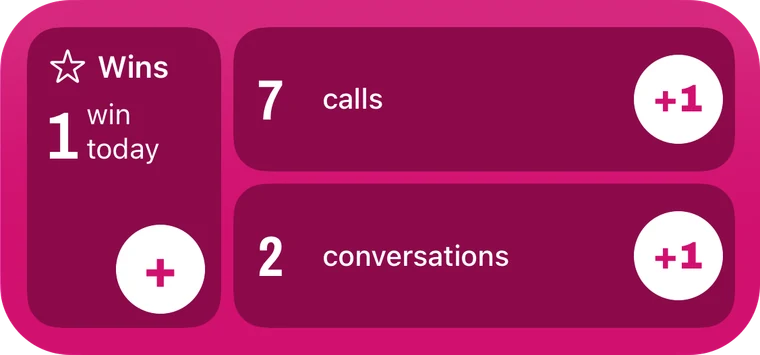
+1 a number without opening the app. Tap Add a win to jot one.
Sample data.
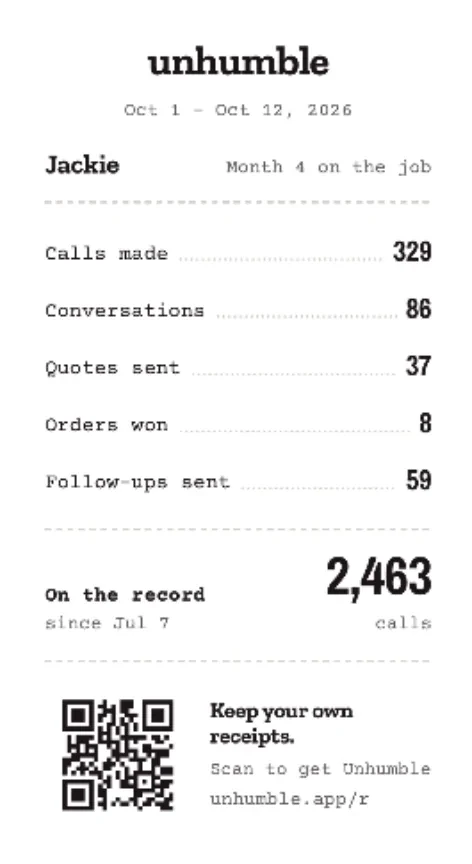
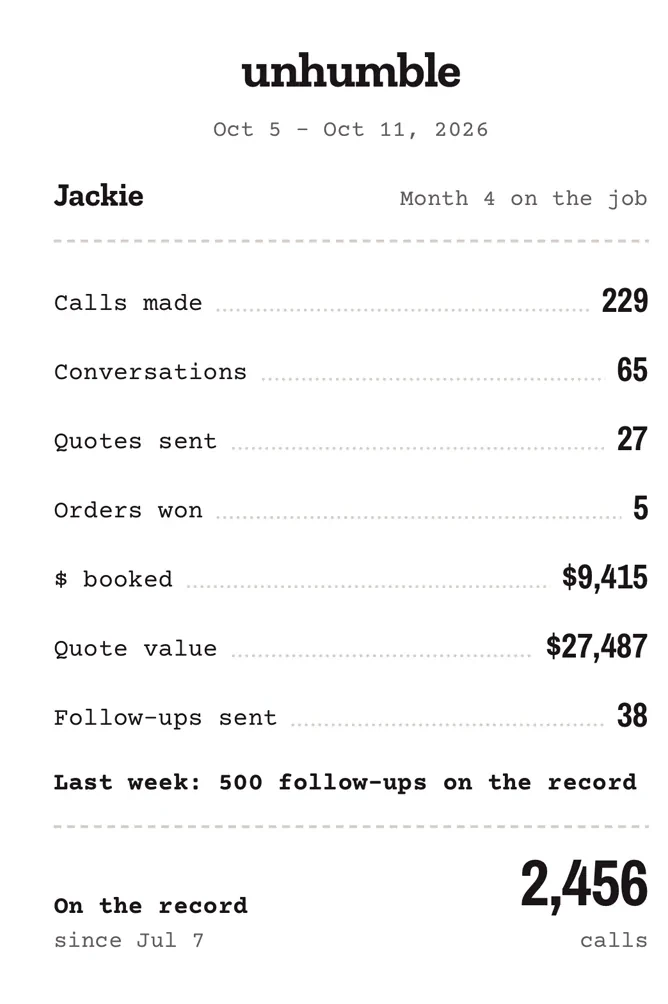
Record adds up your week, your month, or everything since you started. Your wins stay in the words you wrote them.
Sample data.
Pick the wins you want in the room, and Write bullets turns each one into a line you can paste. It only uses numbers you logged, and each one shows where it came from.
Calls made · 820
Made 820 calls across first 30 days on the job, averaging about 27 calls per day
Example. Sample numbers, real rule. Every number here is one you logged.

Sample data.
The work you did lives in someone else’s system. When the job ends, so does your access to the proof. Unhumble keeps that record in one place, on your phone, and it stays yours.
It started with my sister Jackie. When she started a new Inside Sales job this September, her first question to me was:

“What metrics should I track from day one?”
The same week, my brother Daniel, an Associate Therapist with a brand-new master’s degree, sent me his resume. Zero numbers on it. Not one. Same problem, totally different jobs.
Jackie is testing Unhumble now. She told Daniel about it, and he called me to make sure his role was in there. He needs his client hours and the supervised hours that count toward his license, on his phone, his to keep.
I was laid off from my corporate job. My first layoff, after a whole career. I lost access to the CRM, the project systems and every record of the work I’d done. You don’t own anything on your work laptop.
You don’t need a hundred wins. A few well-earned ones are enough, as long as they’re yours.
JulieFounder, Clicking Nook
No account and no employer name. Nothing goes to the AI until you say yes, and you can turn it off in Settings. It runs through our server, which doesn’t keep what you send.
Your role title, your field if you pick one, and the job description if you paste one. Or the title alone
Role title, how long you’ve been in it, the dates you pick, totals and week-by-week numbers, the wins and numbers you pick with anything you add, and up to 10 other notes from those dates. With a pass, Apple’s signed receipt
Role title and field, the job description if you saved one, your metrics with totals, week-by-week numbers and why they matter, and your wins for the range. With a pass, Apple’s signed receipt
When you write a bullet or story for a win with answers: the answers, your job title, the win’s date and how long you’d been in the job, and the total of the metric it’s linked to. Names you saved go as the role you picked. Your project’s name, who said it about you and your profile name never leave the phone
Nothing. Counters, notes and bullets stay on your phone and in your own iCloud backup
AI requests go to Anthropic through our server.
Logging stays free. A pass opens every total, more bullets and your Review Report.
Unhumble is on the App Store for iPhone. Already a few weeks in? Set your real start date and log from today.
Questions: support@clickingnook.com